
The complete guide
Claude Cowork
Claude that does the work for you. You hand off a job. Cowork uses your files, your apps, and your context to bring back a finished draft, report, or analysis.
Anthropic launched Cowork in 2026 for people who do knowledge work all day. This is the complete guide for setting it up on your business.
What Cowork actually does
You give Cowork a job, not a prompt. A job. Cowork plans the steps, reads the files you point it at, uses the apps you connect, and brings back finished work. You see the plan before it acts. You approve or redirect as it goes.
Cowork runs on your Mac or Windows computer. You can send it tasks from your phone. Anthropic launched it as a research preview in early 2026 and expanded shortly after with more connectors and an expanding library of plugins.
Real jobs to hand off
The jobs operators are handing to Cowork right now:
- Draft a LinkedIn post in your voice from a single bullet.
- Audit a sales page against your offer and surface what is weak.
- Build a competitor research brief from a folder of PDFs.
- Write the next newsletter using your CLAUDE.md voice and last month's wins.
- Pull every receipt out of an inbox and put them in a spreadsheet.
- Read thirty customer interview transcripts and surface the top five themes.
- Process meeting recordings into a digest of decisions and next actions.
- Generate this week's client report from your project files.
That is the menu. The question is whether YOUR Cowork can do it on YOUR business, with YOUR voice, against YOUR offer.
Out of the box, it cannot.
Why default Cowork falls short
Default Cowork is smart, capable, and unfamiliar with your business. It will write competent content. It will pull data accurately. It will follow instructions. The deliverables will be fine.
Fine is the problem.
Fine content reads like every other Claude output on LinkedIn. Fine audits miss the points your offer actually rises or falls on. Fine briefs cover the obvious stuff. Fine reports skip the angles your customers care about.
The deliverables come back generic. You spend the time you saved fixing them.
That is the gap the framework closes.
The five-phase framework
theCLICK's setup framework is the onboarding for Cowork. It builds the files Cowork reads every time it works. Brand voice. Persona. Offer. Process. The Skills you reuse most. The Connectors to the apps you actually use. The Plugins that package whole workflows.
After the setup, every job Cowork takes on starts from knowing your business, your voice, and the way you write.
The Phase 5 Plugins module is being recorded. The four active phases below are live.
What's in each part
Each part is a deep read on one phase of the setup. Pick one and start there, or work through them in order.
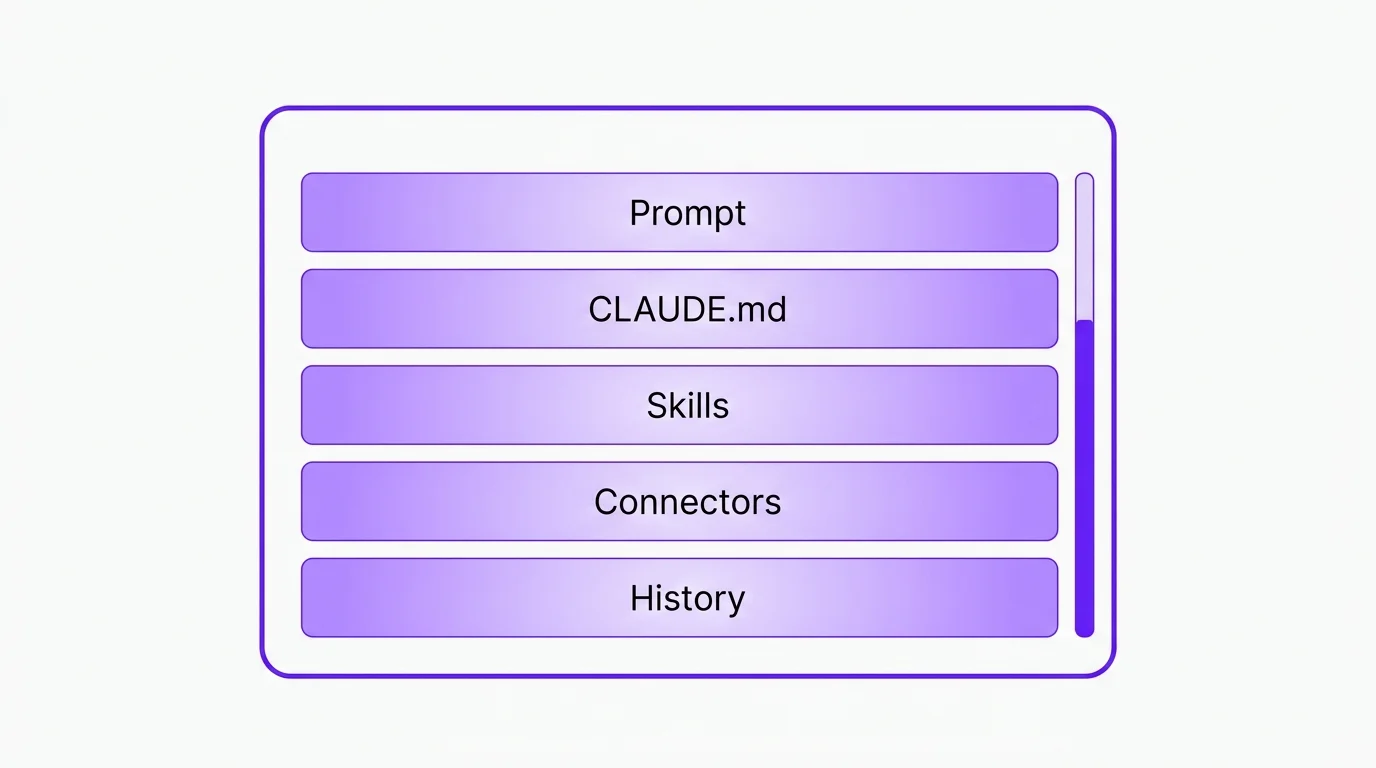
Phase 1
Get Started
Install the free Growth OS Quick Start. Your Cowork goes from default to business-ready in about ten minutes.
Read Get Started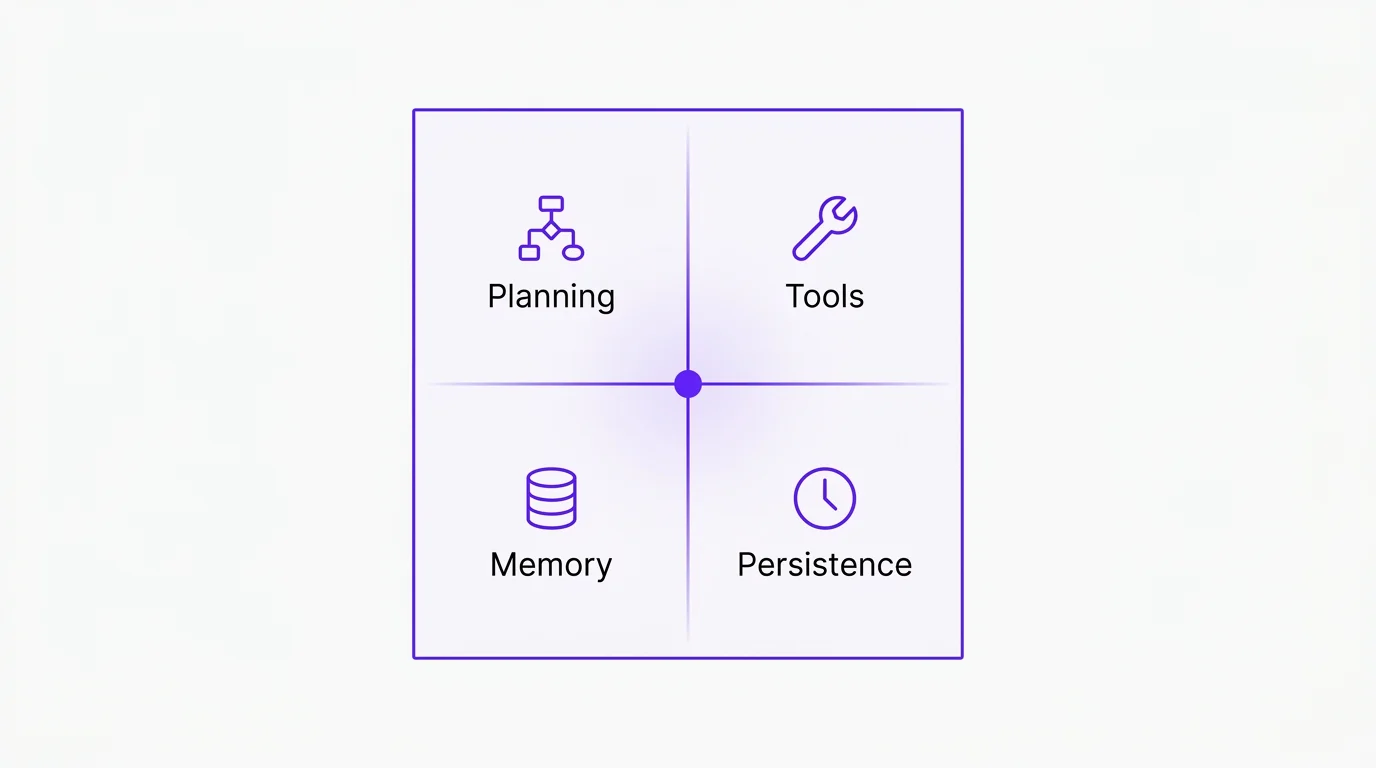
Phase 2
How AI Agents Work
Planning, tools, memory, and persistence. The four traits that turn a chatbot into a teammate.
Read How AI Agents Work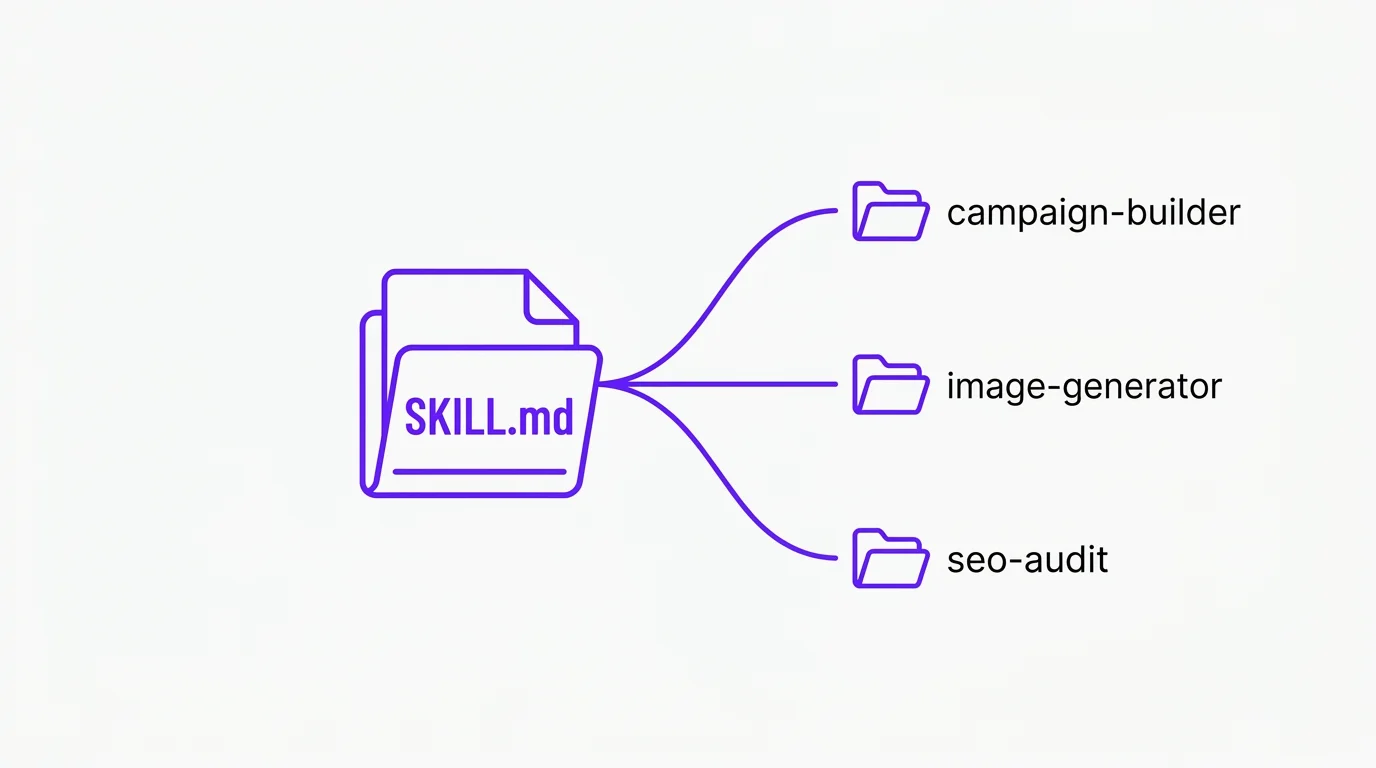
Phase 3
Skills
Reusable folders of instructions Claude loads when the work calls for them. The breakthrough that makes the rest compound.
Read Skills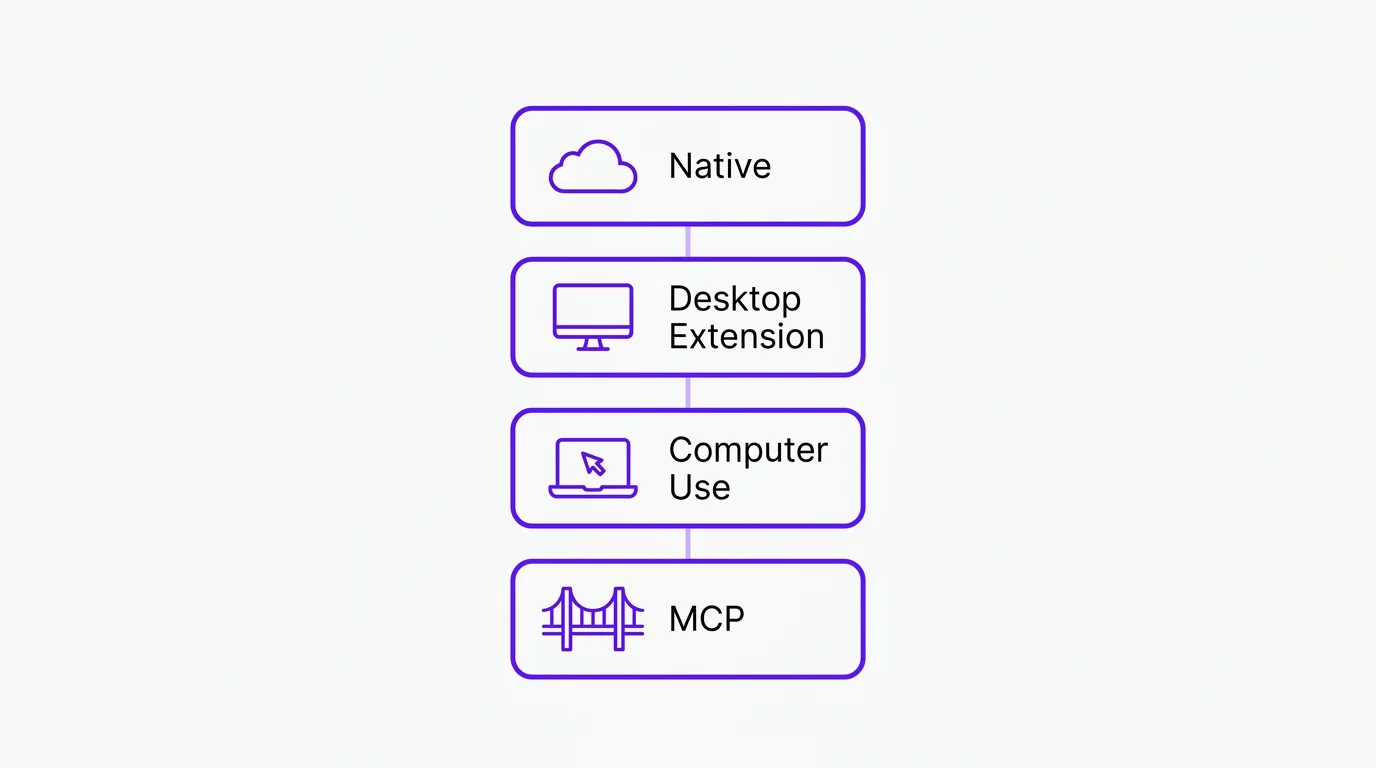
Phase 4
Connectors
The wires that plug Claude into Notion, Drive, Slack, and the rest of your stack. Four levels, from one-click to MCP.
Read ConnectorsHow to set up Cowork in four steps
The fastest way to feel the framework is to install it. The Quick Start does the assembly. You bring the business.
Pick a folder on your computer where Cowork will work.
Anywhere on your hard drive. This becomes your Cowork workspace. Cowork reads what is in it and writes new files into it.
Install the free Quick Start plugin from theclick.ai.
Pick the version that matches your industry. The plugin is the assembly instructions Cowork needs to build your workspace.
Run quick start inside Claude.
Cowork builds your core context files: CLAUDE.md, persona, offer, brand voice. About ten minutes, mostly Cowork asking you a few short questions.
Hand Cowork its first job.
Draft a LinkedIn post. Audit a sales page. Write the next newsletter. Cowork pulls the context you just gave it. The deliverable sounds like you wrote it.
Claude Cowork FAQ
Set up Claude Cowork in ten minutes.
The free Quick Start installs a working workspace, the starter plugins, and the CLAUDE.md that ties it all together.
Install the Free Quick StartWANT MORE? GET OUR NEWSLETTER
Your 5-minute fix of
AI Marketing Gold
Short, punchy AI marketing tips that your best competitor hopes you never read.