
Get Started With Claude Cowork in One Setup Session
Most people spend their first week with AI re-explaining their business in every conversation. Quick Start plugins fix that. One guided session and Claude already knows your offers, your customer, your voice, and the workflows you run. Free. No coding. About 15 to 30 minutes from download to first output.
Pick your Quick Start plugin
Each plugin is tuned to the language, workflows, and customer journey of a specific kind of business. Run the guided setup once and Claude is ready to produce work that sounds like it was made for yours.
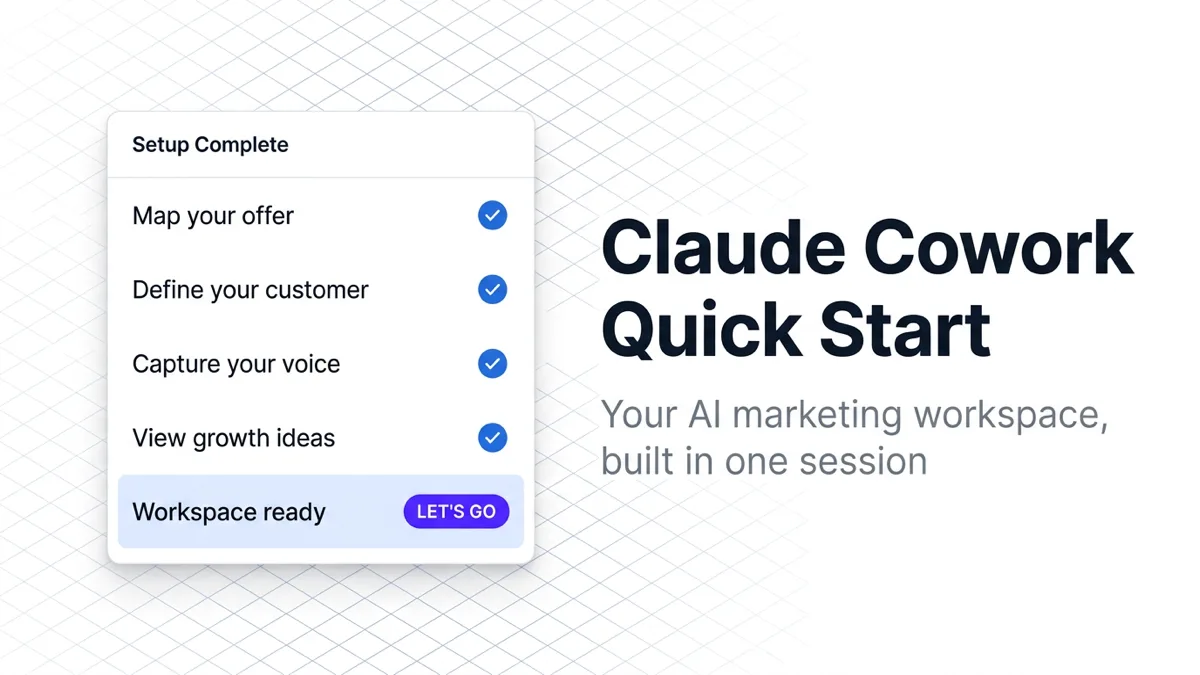
Growth OS Quick Start for Claude Cowork
Build your AI marketing workspace in one session. Claude Cowork learns your business, audience, and voice, then generates 12-20 growth ideas and your first workflow.
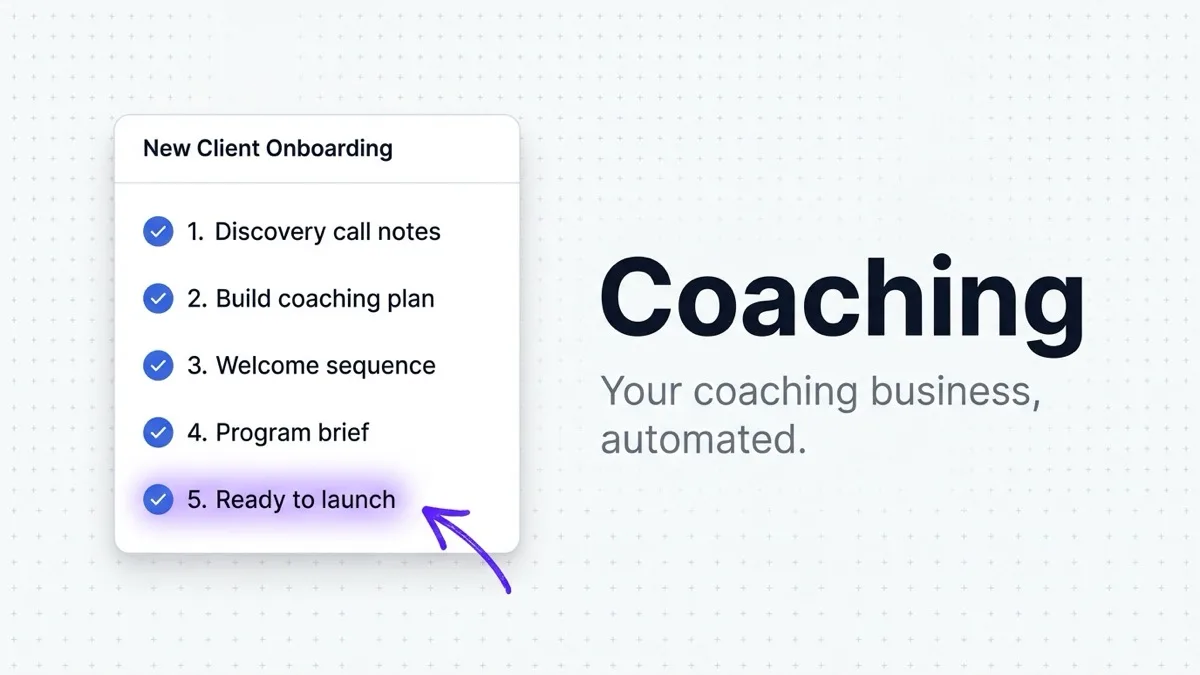
Growth OS for Coaching & Consulting Marketing
Turn Claude Cowork into a marketing engine for your coaching or consulting practice. Guided setup learns your services, clients, and voice. Free plugin.
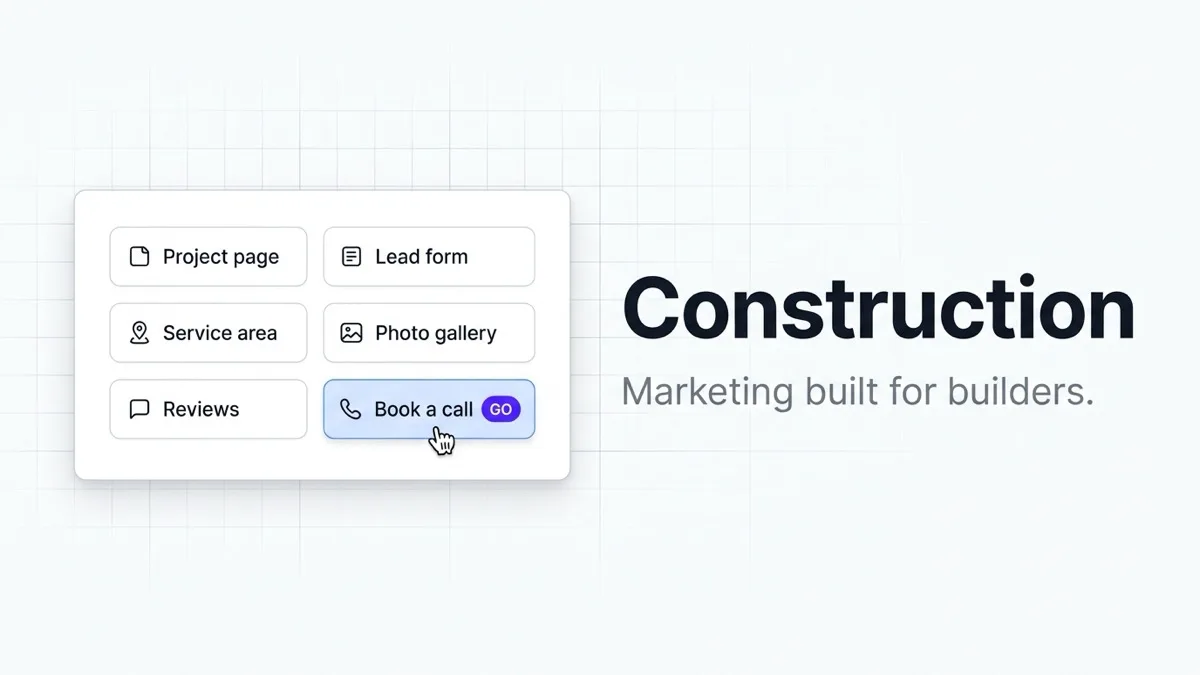
Growth OS for Construction Marketing
Turn Claude Cowork into a construction marketing engine that knows your services, licensing, client persona, and brand voice. Free plugin for contractors.
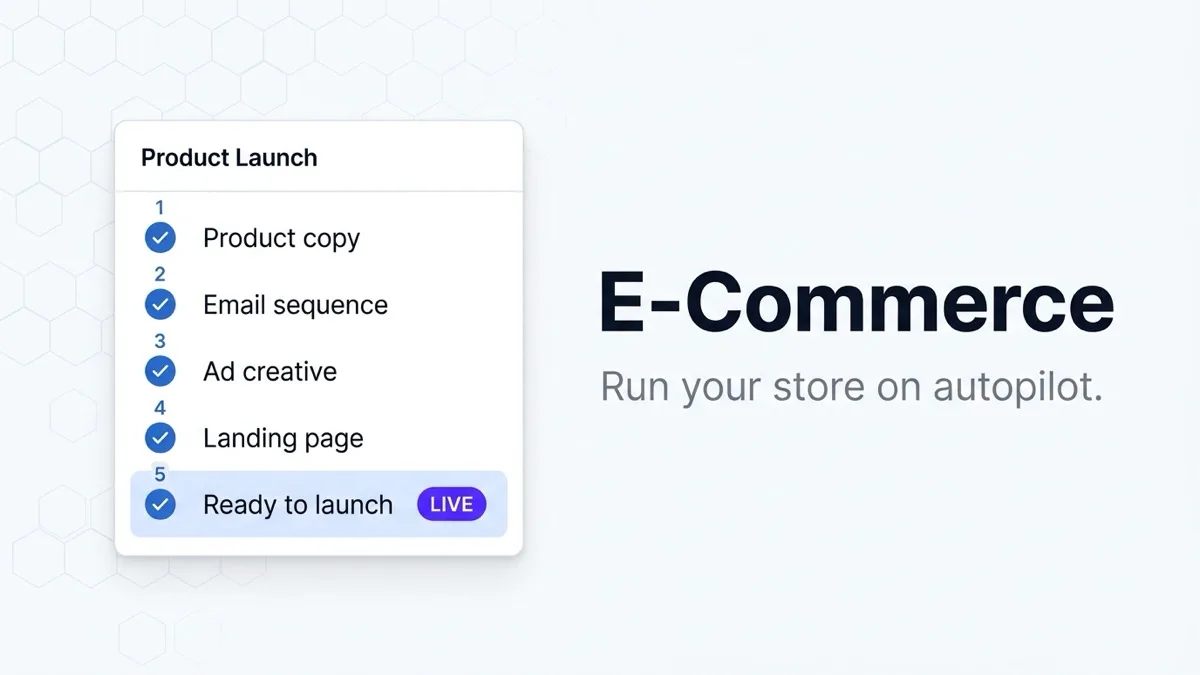
Growth OS for E-Commerce Marketing
Claude Cowork plugin that configures AI for your online store in one session. Products, customers, brand voice, and growth ideas for DTC, Shopify, and Amazon.

Growth OS for Healthcare Marketing
Turn Claude Cowork into a healthcare marketing engine. One 20-minute setup learns your practice, patients, and voice, then generates patient acquisition ideas.
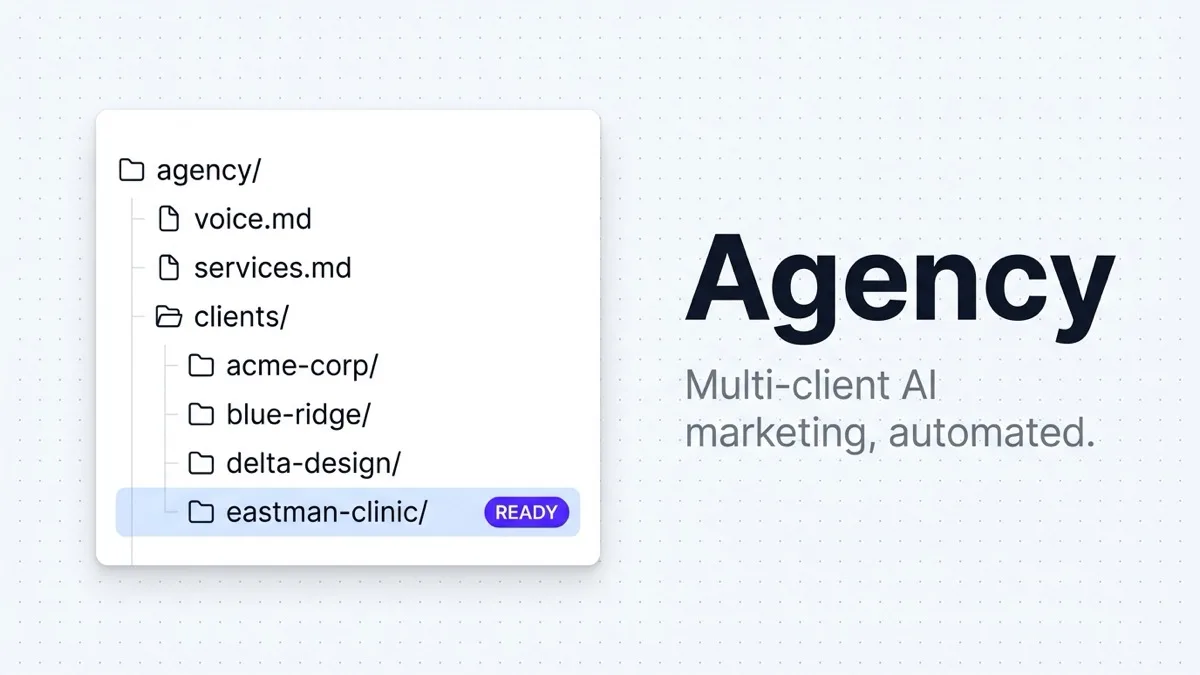
Growth OS for Marketing Agencies
Turn Claude Cowork into a multi-client marketing engine for your agency. Set up once, then onboard every new client in 30 minutes. Free plugin.
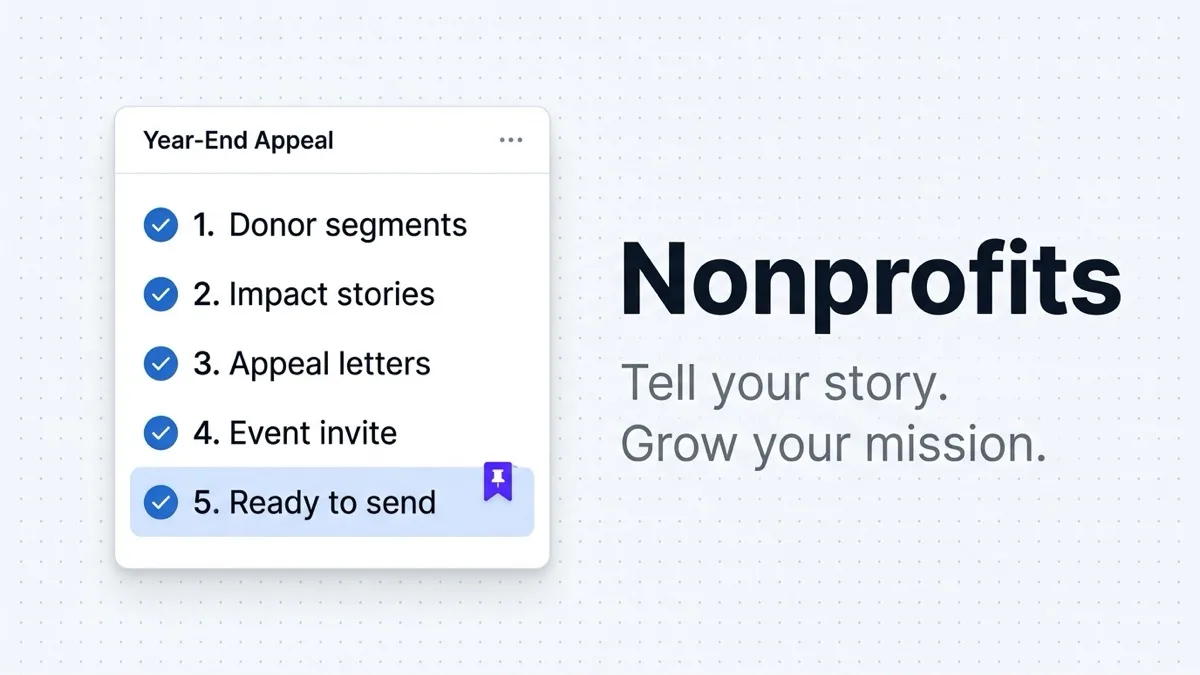
Growth OS for Nonprofit Marketing
Turn Claude Cowork into a nonprofit marketing engine. One session configures your programs, supporter persona, and voice for fundraising and outreach.

Growth OS for Real Estate Marketing
Turn Claude Cowork into a marketing engine for your real estate business. One 20-minute setup learns your market, clients, and voice. Free plugin.
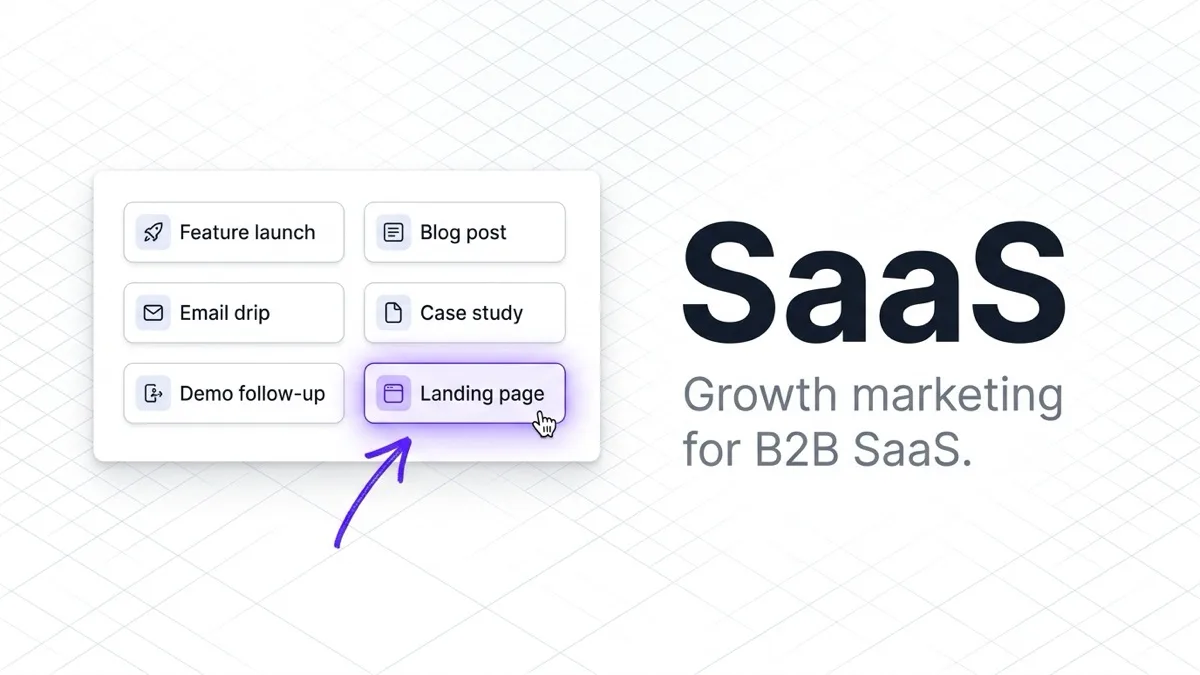
Growth OS for SaaS Marketing
Turn Claude Cowork into a SaaS marketing engine. One session configures your product, pricing tiers, and user persona. Free plugin for B2B software companies.
New to Claude Cowork? Here is the short version.
What it is
Claude Cowork is a mode inside the Claude desktop app where you can install plugins. A plugin packages up everything Claude needs to know about your business, your customer, your voice, and the workflows you run.
Why it matters
Out of the box, Claude is a generalist. Every conversation starts from zero. A Quick Start plugin makes Claude an expert on your business from the first message. No more re-explaining who you are, what you sell, or how you write.
What you need
A computer (macOS, Windows, or Linux) and the free Claude desktop app from Anthropic. A paid Claude subscription is recommended for serious marketing work because of the larger context window.
What you get
Core business documents (Offer, Persona, Brand Voice), 12 to 20 growth ideas mapped to a 10-stage Customer Journey, a morning briefing that surfaces what to work on, and a task system with copy-paste prompts.
How a Quick Start install works
Download and install
Grab the .zip from the plugin page. Open the Claude desktop app, switch to Cowork mode, and install from the downloaded file.
Run the guided setup
An interactive interview crawls your website and asks the right questions. About 15 to 30 minutes. You talk. It builds.
Start producing
Claude is now grounded in your business. Generate growth ideas, write content, run your morning routine, and check off tasks.
Already past Quick Start?
Looking for skills, MCPs, and plugins to stack on top?
If your workspace is already set up and you want to extend it, the Library profiles individual tools you can install one at a time: Playwright for browser automation, Newsboy for newsletter production, and more.
Browse the LibraryFrequently Asked Questions
What is Claude Cowork?
Do I need to know how to code?
Which plugin should I start with?
What does it actually build?
Is it free?
How long does setup take?
What if I already use Claude Code or Claude Cowork?
WANT MORE? GET OUR NEWSLETTER
Your 5-minute fix of
AI Marketing Gold
Short, punchy AI marketing tips that your best competitor hopes you never read.
Operated by theCLICK (Modern Publisher, LLC). Not affiliated with, endorsed by, or sponsored by Anthropic, PBC. Claude and Claude Cowork are trademarks of Anthropic, PBC.