

TLDR:
- Custom GPTs are locked inside ChatGPT's cloud, hard to fix, impossible to share, and completely cut off from your local files and external tools.
- Claude Skills are markdown files that live on your computer. Fix them by telling Claude what's wrong. Share them as plugins. Chain them together. Wire them to Gmail, Notion, Slack, and more.
- The six advantages boil down to one idea: skills give you control. You own the files, you own the process, and you decide how it works.
- If you've been building Custom GPTs, you already understand the concept. Skills are where that concept grows up.
There's a better way.
The gap between Custom GPTs and Claude Skills is so wide that once you see it, you won't go back.
This article breaks down six specific structural advantages that make Claude Skills the superior way to get AI working on your business.
But first...
What Is a Claude Skill?
A skill is a markdown file (usually called SKILL.md) that tells Claude how to perform a specific task. It contains the instructions, quality standards, and execution steps your AI needs to do the job the way you want it done.
Think of it like a training manual (SOP or Standard Operating Procedure) for a new hire.
For example, instead of explaining your newsletter process from scratch every session, the skill already knows your format, your voice, your preferred sources, and your quality bar. You just say "run story research" and it executes the skill.
If you've ever built a Custom GPT, you already understand the concept. You gave ChatGPT a set of instructions and some reference materials, and it followed them. Skills do the same thing. They just do it better in six fundamental ways.
The Scorecard
Before we get into the details, here's the full comparison at a glance:
| Custom GPTs | Claude Skills | |
|---|---|---|
| Fixability | Open the builder, scroll through your instructions, guess what broke, test, repeat | Tell Claude "fix it." Claude updates the SKILL.md file. Done. |
| Portability | Locked inside ChatGPT. Hard to export and move platforms. | Zip the folder. Hand it to anyone. Works on any machine running Claude. |
| Stackability | Each GPT is an island. Writing GPT can't talk to Research GPT. | Skills chain together. Research feeds formatting feeds editing feeds publishing. |
| External Connections | Limited access to email, calendar, CMS, task tools, etc. | Push and pull from Gmail, Notion, Slack, Zoom, Beehiiv, Google Calendar. |
| Local File Access | GPTs can't see the files on your computer. | Claude reads, edits, and saves files in your local project folder. |
| Ownership | Your instructions live in OpenAI's cloud. They control access. | Your skill files live in a folder on your computer. You own them. |
Now let's break each one down.
1. Skills Are Easy to Fix
This is the one that hits first.
You built a Custom GPT. It was working. Then one day, the output started drifting. Maybe it stopped following your formatting rules. Maybe it started ignoring your brand voice guidelines. So you opened the GPT builder, scrolled through that wall of instructions you wrote weeks ago, changed something, tested it, and got worse results.
With a Custom GPT, fixing means reverse-engineering your own instructions through a clunky settings interface. It's like trying to edit a recipe while someone reads it to you through a wall.
With a Claude Skill, you just say "that formatting is wrong, fix the skill." Claude opens the SKILL.md file, makes the change, and the next time the skill runs, it's fixed. You're editing a document, not fighting a builder interface.
Actually wait, Claude is editing the document, you're testing output.
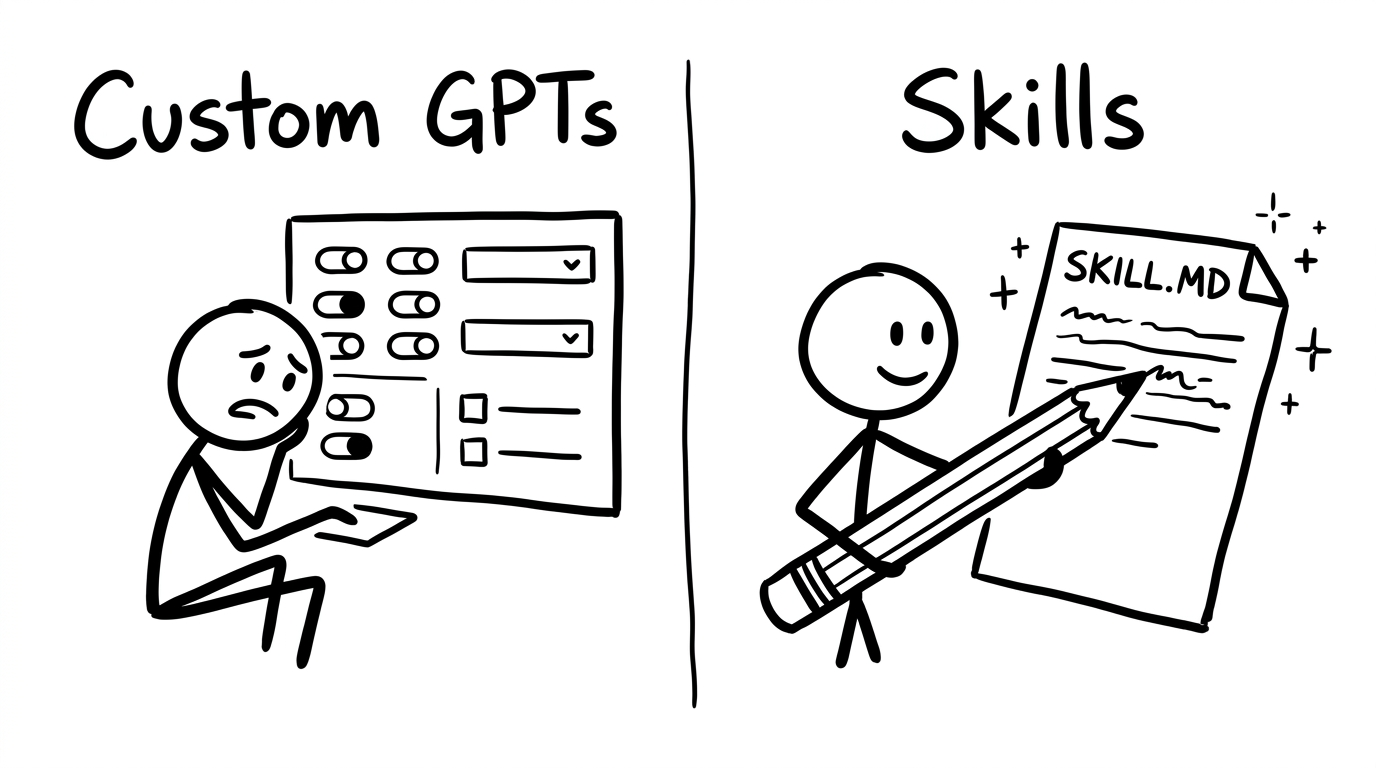
The real insight here is about investment. The first time you run a skill, plan a little extra time to get it right. Every fix you make improves the skill permanently. Run one is the most expensive. Run five is practically free.
The task is automated.
2. Skills Are Portable
Your Custom GPT lives inside ChatGPT. It can't leave. If your VA uses a different tool, they can't use your GPT without the clunky sharing settings in ChatGPT.
So, you copy-paste instructions and hope for the best. If ChatGPT changes their platform (and they will), your GPT goes wherever OpenAI decides to take it.
A Claude Skill is a file on your computer. Files move. You can zip up a skill folder and hand it to a teammate, a client, or a stranger on the internet. You can package multiple skills together into a plugin and distribute it like software.
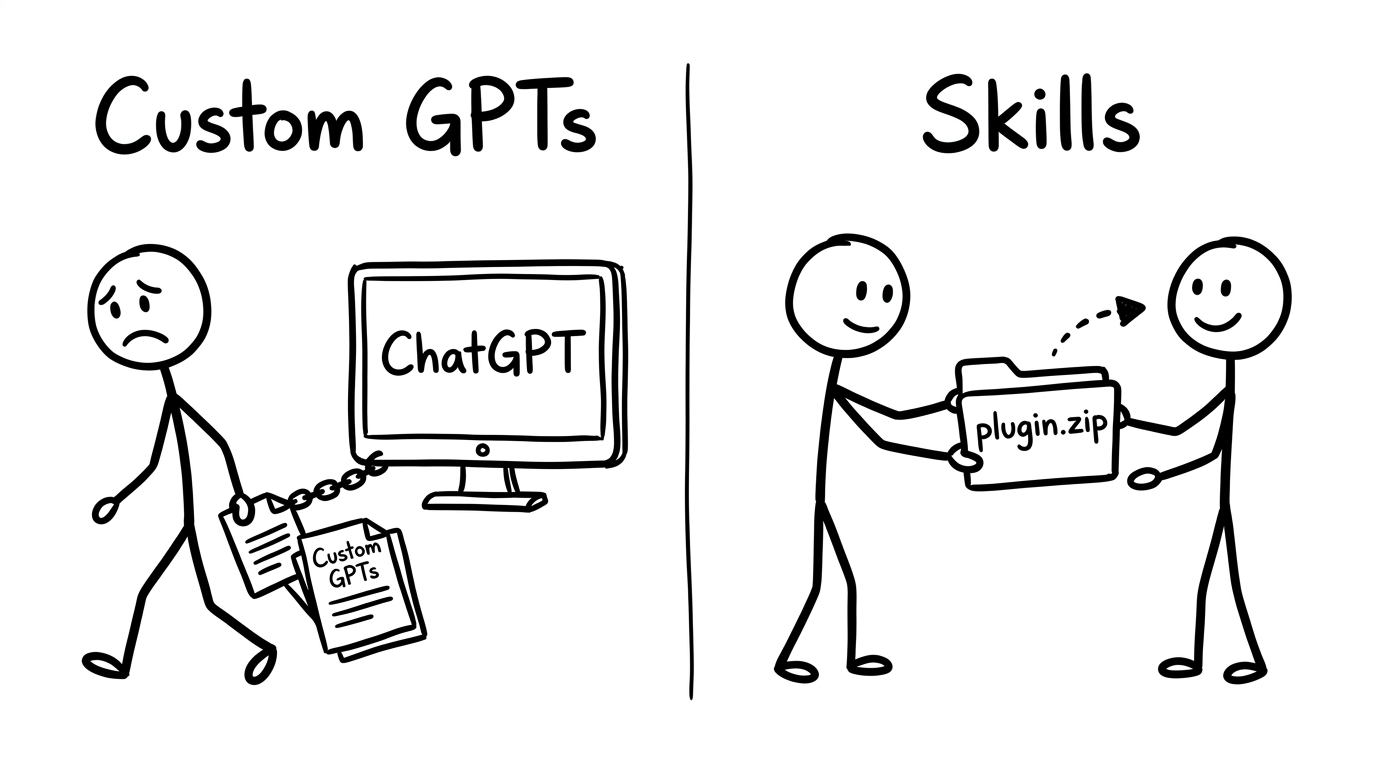
This portability matters for one big reason: skills (and the plugins they become) are software. Real software.
Built with your voice, your expertise, and your process. You can sell them, license them, or use them to onboard every new team member in minutes instead of weeks.
3. Skills Are Stackable
Here's where Custom GPTs really fall apart.
You've got a Writing GPT. A Research GPT. An Analysis GPT. Three separate tools, each doing one job, none of them aware the others exist. When you want to research a topic, write about it, and analyze the results, you're the one copying and pasting between three different chat windows. You are the integration layer.
Skills work together. You can tell Claude to run the research skill, then pass the results to the formatting skill, then apply the voice editing skill. One command triggers a chain. The skills talk to each other because they all live in the same workspace.
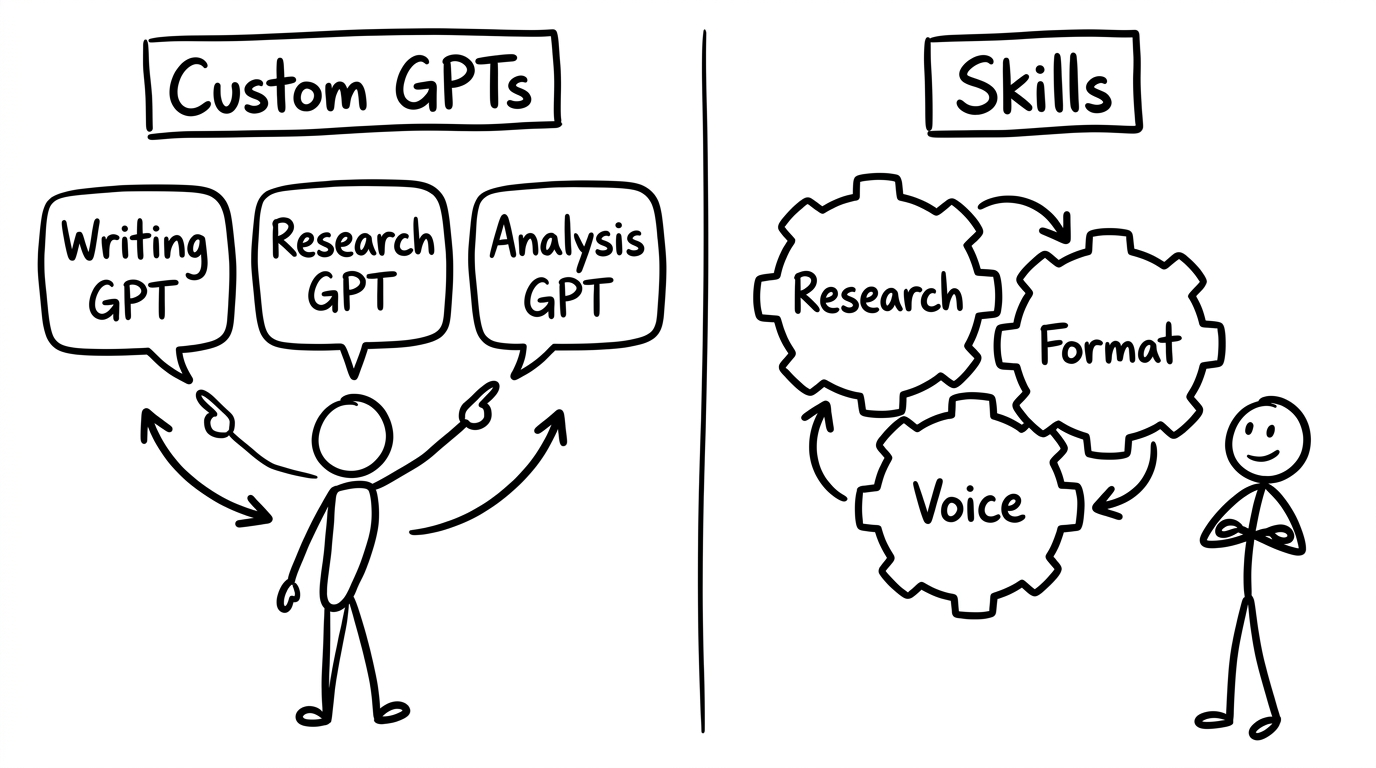
That's the difference between having three separate GPTs and having a system of skills. Three
4. Skills Connect to External Sources
Custom GPTs live in a browser bubble. They can generate text. That's about it. They can't check your calendar, send an email, pull registrants from a webinar, or update a task in your project management tool. The output stays in the chat window. You have to manually move it everywhere it needs to go.
Claude Skills can connect to external tools and services. Gmail, Notion, Slack, Zoom, Beehiiv, Google Calendar, web search, browser automation, and much more.
These connections (called Connectors) let Claude push and pull data without you being the middleman.
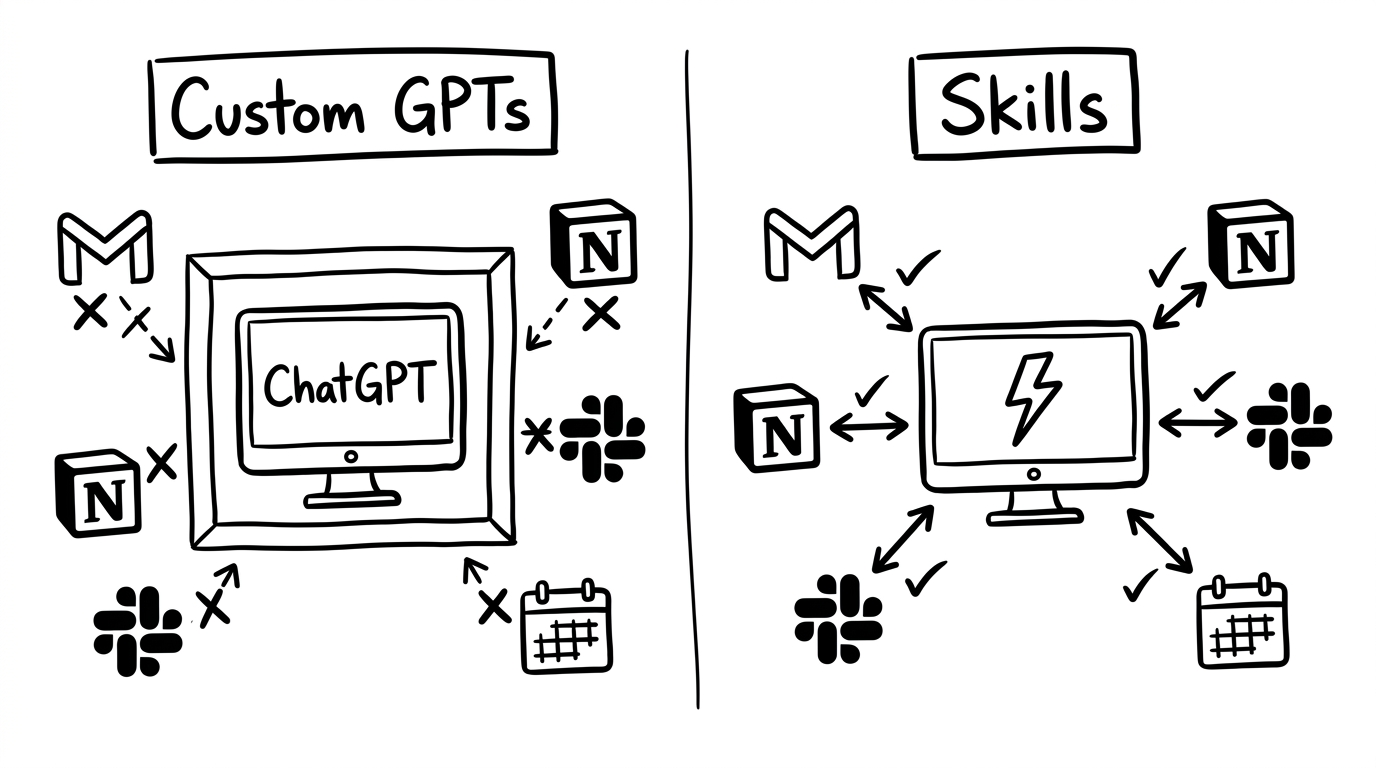
Here's what that looks like in practice. You tell Claude to check your Zoom account for new webinar registrants, cross-reference them against your email list in Beehiiv, and add anyone who isn't already subscribed. Then update a capture log in Notion. That's four tools, coordinated in one command, with no tab-switching.
Without connectors, Claude is a writer. With connectors, Claude is a doer.
5. Skills Live on Your Computer
Custom GPTs can't see the files on your desk. Your persona doc, your brand voice guide, your pricing sheet, your templates: all invisible to a GPT unless you copy-paste them into the chat or attach them to the Knowledge Base every single time.
And if you forget?
The AI produces generic output that sounds like it was written for a business it's never met.
Claude Skills operate inside a local project folder.
If you set it up correctly, Claude will reference your core documents automatically, and save new files right alongside them. Your persona, your offer doc, your brand voice, your templates: always loaded. Always available. Zero copy-pasting.
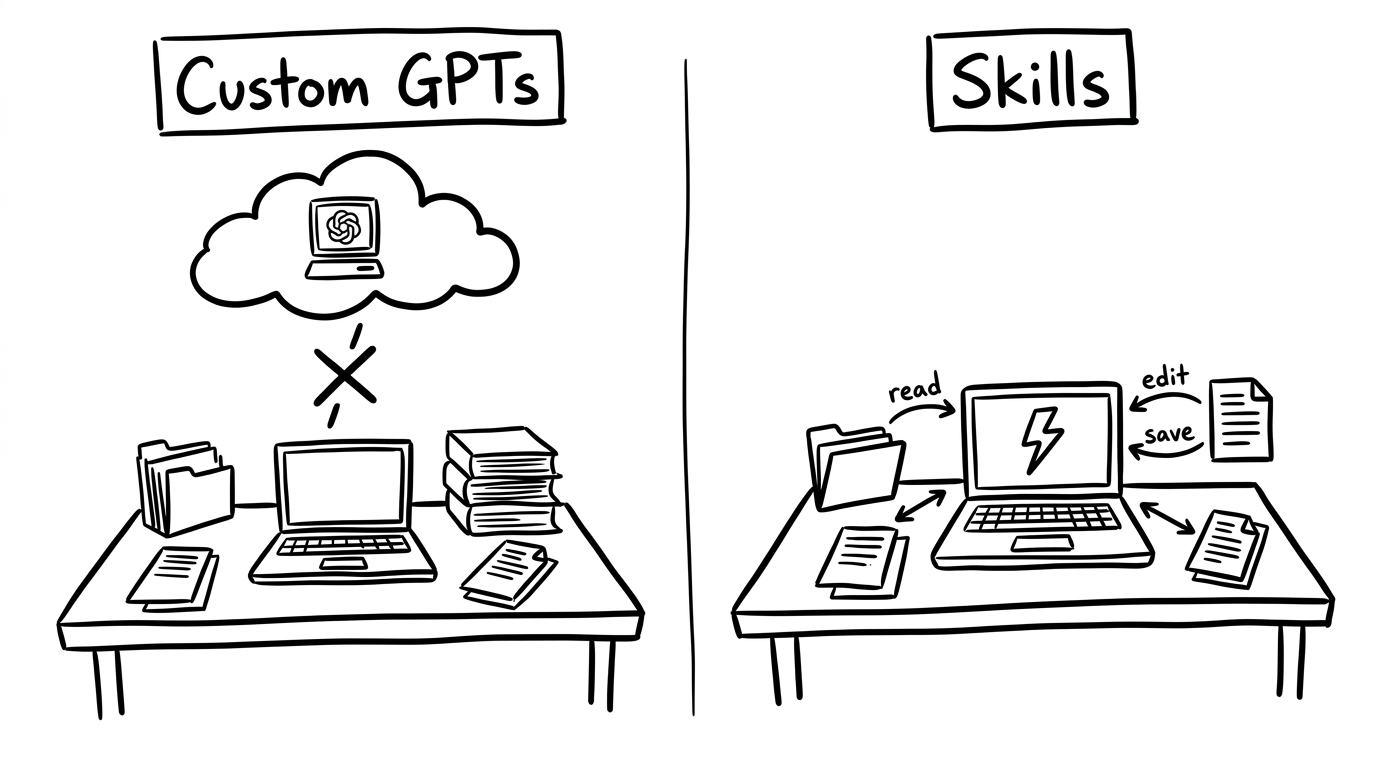
That local file access is what makes the difference between "pretty good AI output" and "output that sounds like someone who actually works here."
The AI knows your business because it can read the documents that describe your business. Every time. Automatically.
6. You Own the Files
Your Custom GPT's instructions live in OpenAI's cloud. OpenAI controls access. If they change their pricing, deprecate a feature, or shut down GPTs entirely, your work goes with it. You're renting space in someone else's building.
Skill files live on your computer. In a folder. That you can open, back up, move, duplicate, edit in any text editor, or hand to someone. If Claude disappears tomorrow (it won't, but humor me), your skill files are still sitting right there.
They're just documents. You can read them yourself. You can take them to any AI that supports the same architecture. (And OpenAI is already adopting the skills-and-plugins pattern on their side, so the transferability is only going to increase.)
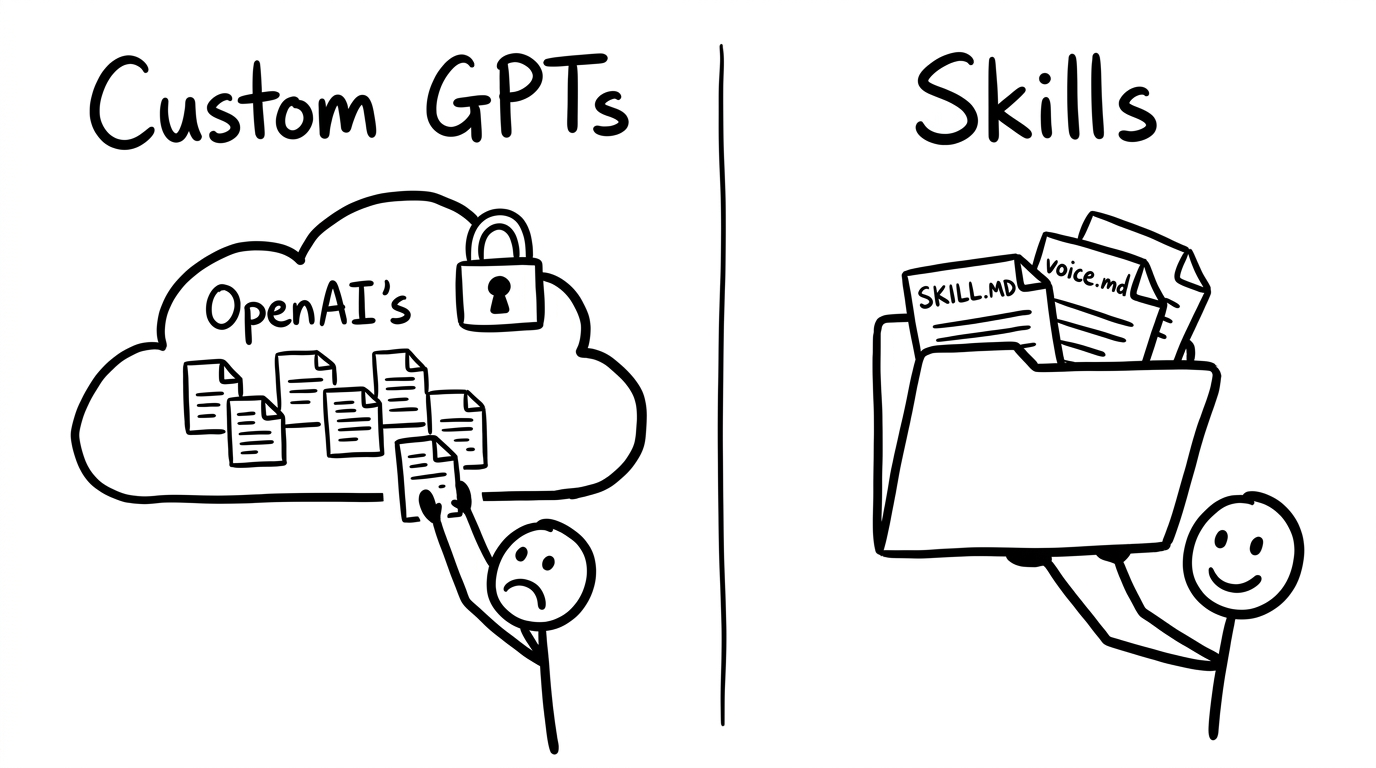
Ownership sounds abstract until you've invested 50 hours building AI processes for your business and realize you can't export a single one of them. Skills are files. Files are yours.
Where This Is Heading
Skills are software.
They are software for AI agents, built with your natural language instruction and your expertise.
Every time you build a skill, you're writing code (in plain English) that encodes how you do business.
You're turning your experience into something that runs on command, hands off to your team, and gets better every time you fix it.
You don't need to know how to code. You don't need a computer science degree. If you can describe how you want something done, you can build a skill. And if you've been building Custom GPTs, you already have the instinct. You just need a better foundation.
The Quick Start takes about 20 minutes to set up your workspace. After that, you're building skills that actually work.